Bob and lob preview
01Check chin-length bobs, angled bobs, blunt ends, and shoulder-skimming lobs before losing length.
Upload a clear selfie, pick a haircut or hair color, and see how it sits on your face before you make the real change. Try short hair, bangs, bobs, fades, curls, layers, and color ideas in one place.
Face front, good lighting, and no glasses for the best AI generation results.
Select Photo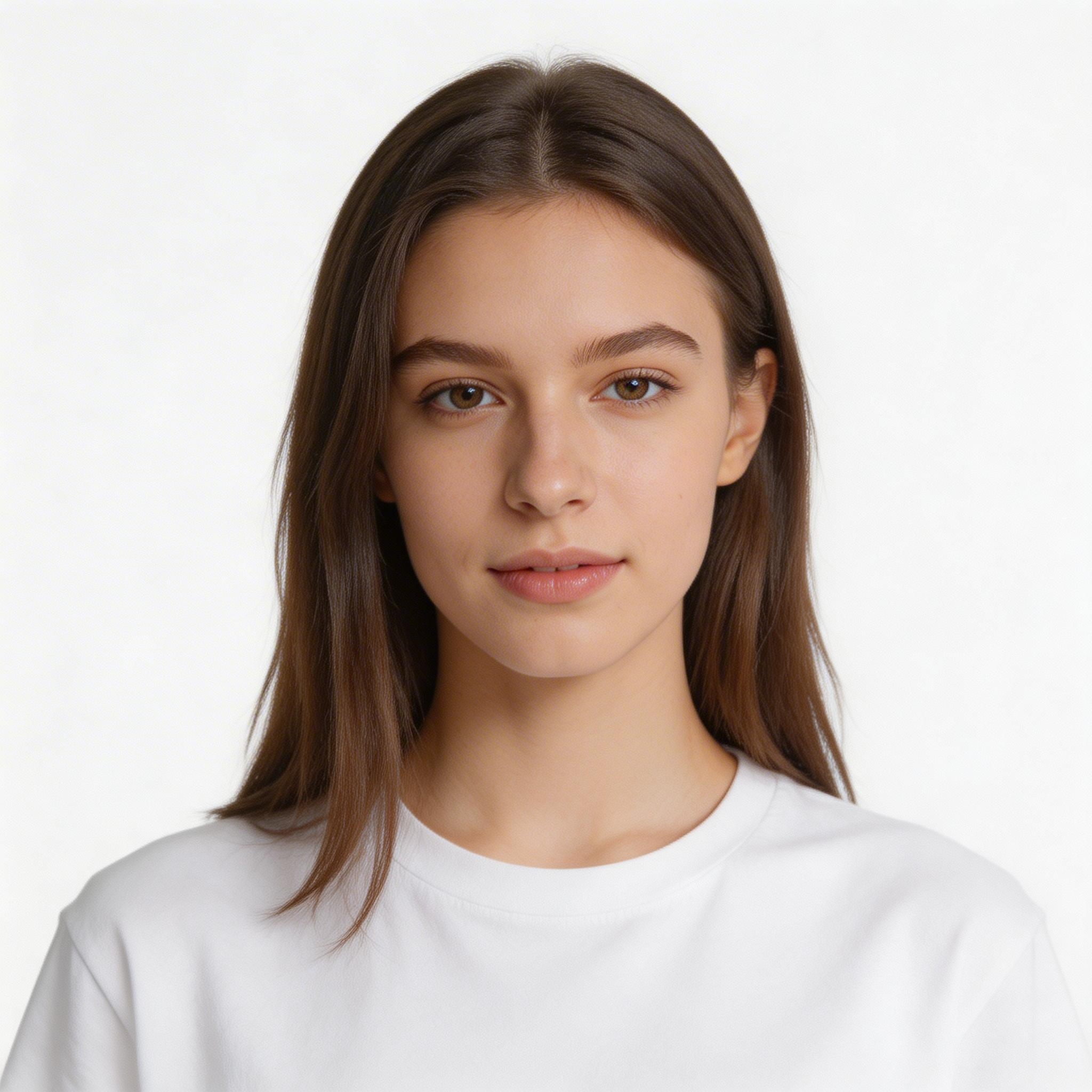 Before
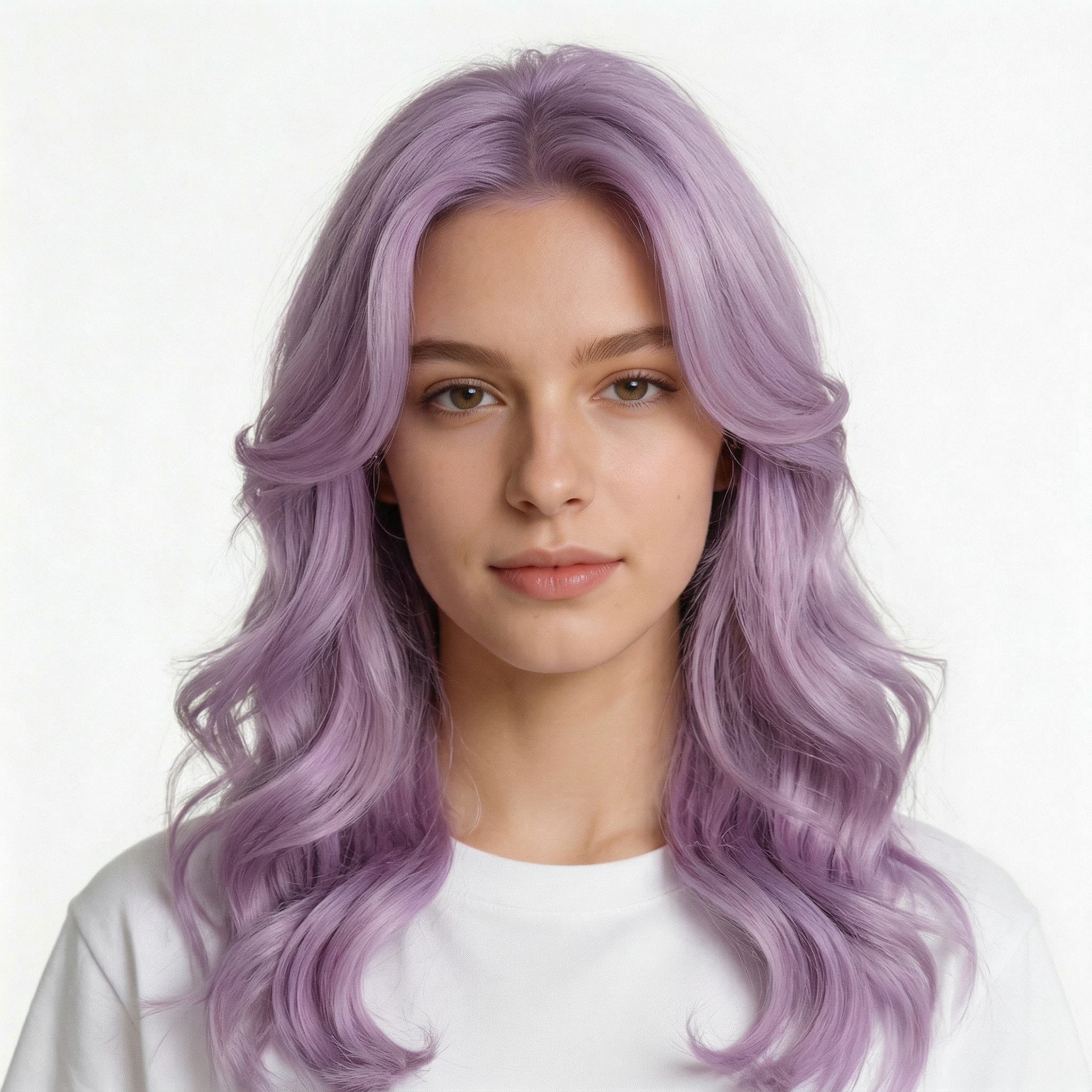 After
After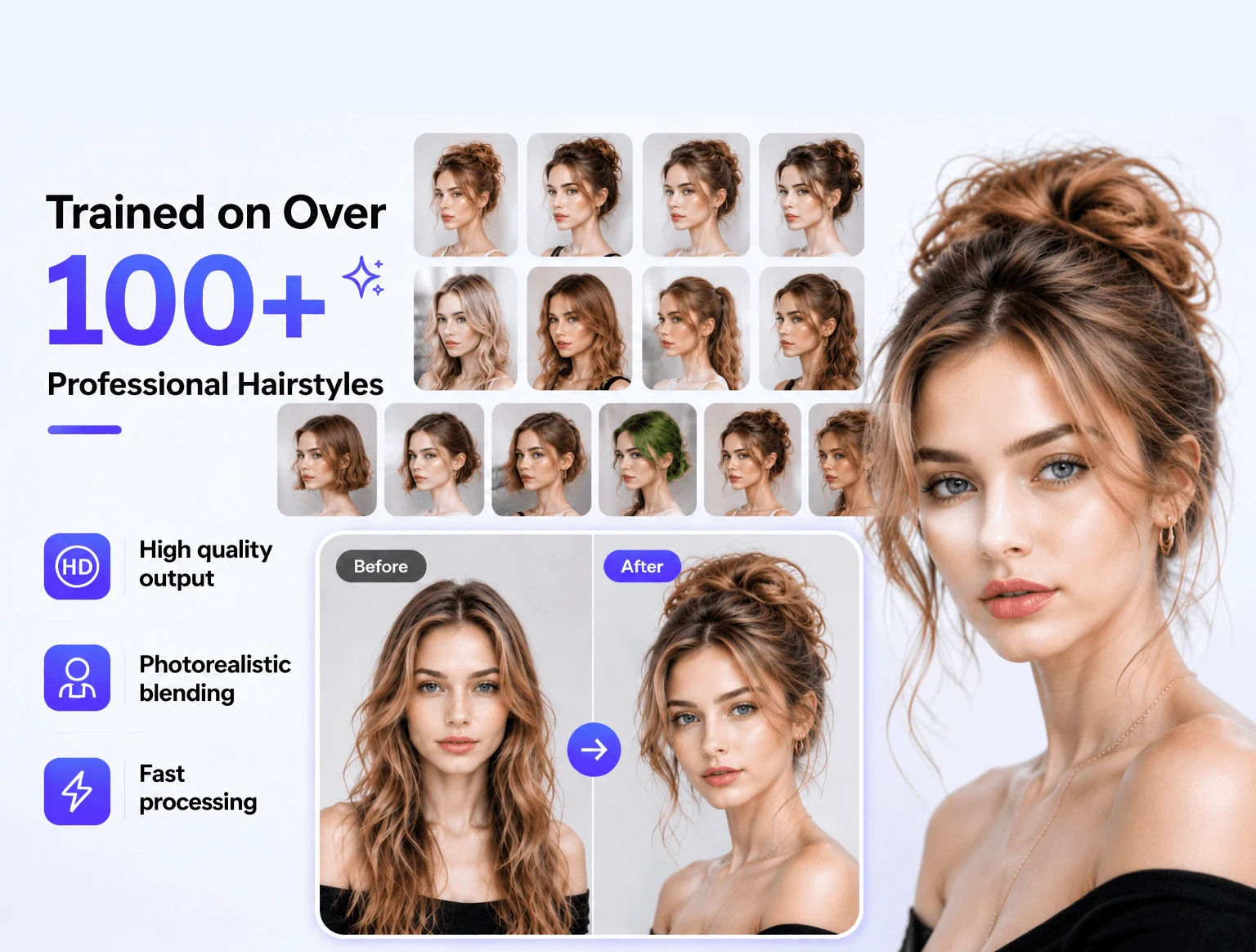
Browse short cuts, long layers, curtain bangs, bob hairstyles, pixies, fades, buzz cuts, curls, braids, and natural-looking hair colors without jumping between inspiration boards.
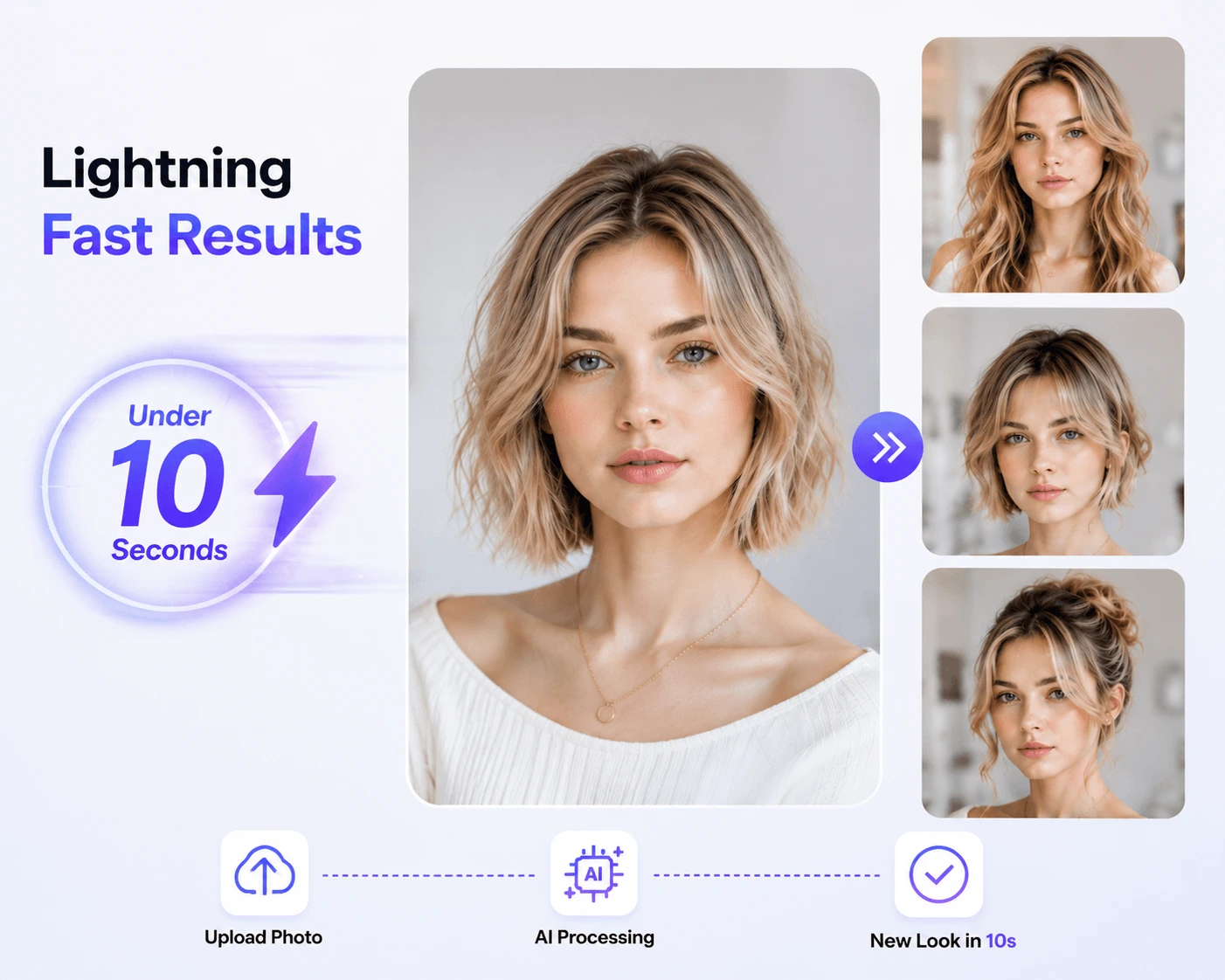
A haircut can look great on a model and still feel wrong on you. This hairstyle changer uses your photo, face shape, hairline, and current length as the starting point.
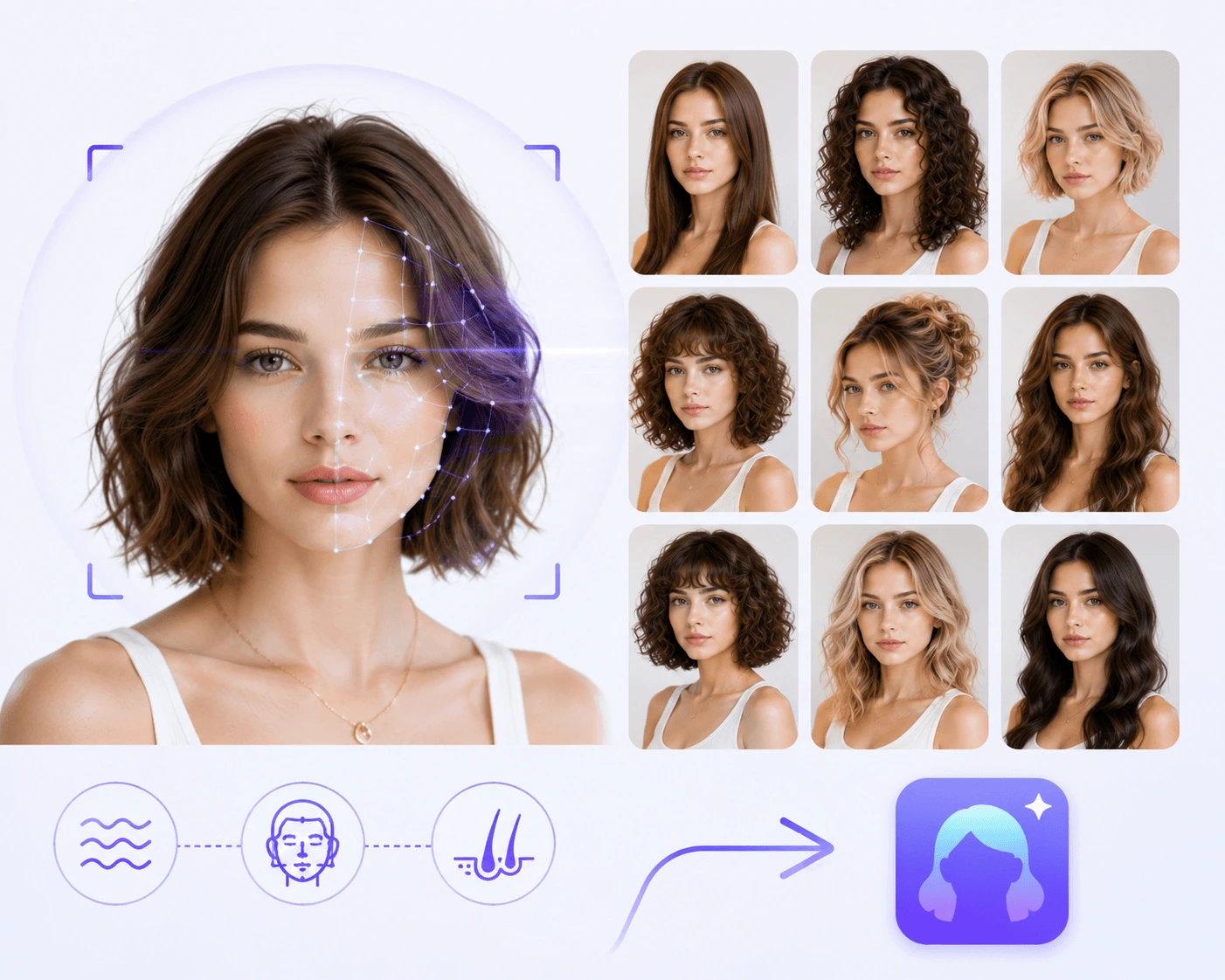
Test clean fades, medium-length cuts, soft waves, thick curls, straight hair, coily hair, and everyday styles for work, school, dates, weddings, or a fresh profile photo.
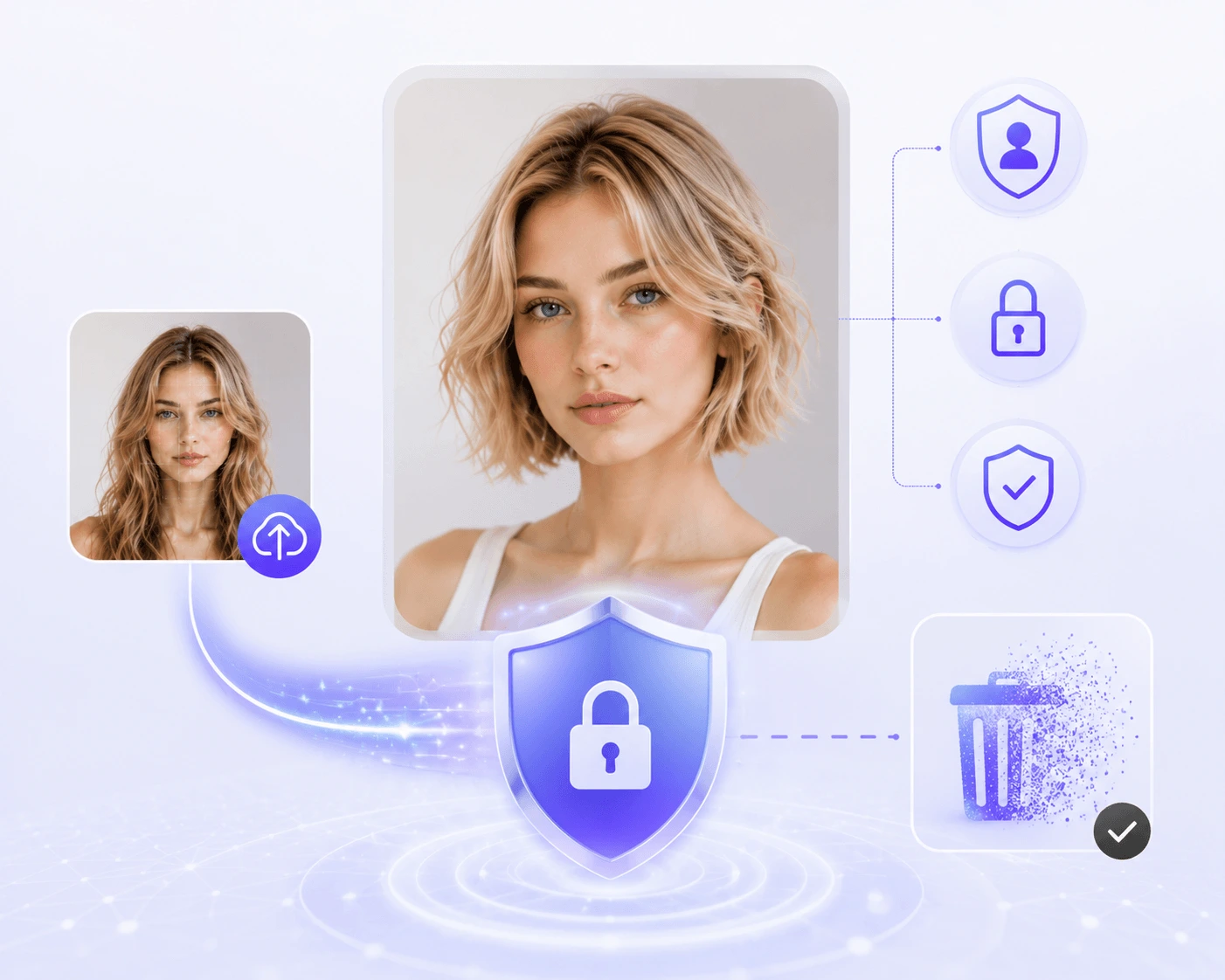
Save the looks you like and bring them to a barber or stylist. It is easier to explain length, shape, fringe, color, and mood when you have a picture of yourself.
The page covers the searches people actually make when they are deciding what to do with their hair: short or long, subtle or bold, salon-friendly or low-maintenance.
Check chin-length bobs, angled bobs, blunt ends, and shoulder-skimming lobs before losing length.
See curtain bangs, side-swept bangs, blunt fringe, and wispy pieces against your forehead and face shape.
Try a taper fade, undercut, buzz cut, crew cut, textured crop, or longer top without guessing from a barbershop photo.
Compare loose waves, defined curls, layered volume, and softer shapes that work with texture instead of flattening it.
Preview a pixie, side-swept crop, or close cut before making the kind of change that takes months to grow out.
Keep length while testing face-framing layers, soft movement, volume around the crown, and lighter ends.
Compare black, brown, chestnut, copper, blonde, ash, and silver tones on your own skin tone.
Play with red, rose gold, blue, lavender, and other statement colors before committing to bleach or dye.
It is not just for fun. The best use is narrowing down choices before money, time, and hair length are on the line.
Arrive with two or three visual references instead of trying to explain a shape from memory.
Test short hair, bangs, a buzz cut, or a strong color while the decision is still reversible.
See which style feels polished, casual, professional, or creative before updating photos online.
Generate several options from one selfie and compare them side by side while the first impression is fresh.
Use a front-facing photo in good light. Keep your hairline and face visible so the hairstyle preview has enough detail to work with.
Choose a style from the catalog: bangs, bobs, fades, curls, layers, short cuts, long hair, natural shades, or bolder color ideas.
Create a preview, try a few alternatives, and save the ones that feel right. Use them as a reference before the appointment.
It is an online tool that places new haircuts or hair colors onto your own photo so you can compare looks before changing your real hair.
Yes. You can test men's cuts such as fades, crops, undercuts, and buzz cuts, as well as bobs, bangs, pixies, curls, layers, updos, and longer styles.
Use a sharp, front-facing selfie with even lighting. Avoid hats, sunglasses, heavy filters, and anything that hides your hairline or jaw.
Yes. The result is useful as a visual reference, especially when you want to discuss length, bangs, volume, color, or the overall shape with a stylist.
Yes. You can compare natural shades like black, brown, blonde, copper, and silver, or test bolder fashion colors before dyeing your hair.
No preview can promise the exact outcome. Hair texture, thickness, styling, products, and a stylist's technique all matter. Treat the image as a strong direction, not a guarantee.
No. The hairstyle changer runs in your browser, so you can upload a photo, try styles, and save results from a phone or computer.